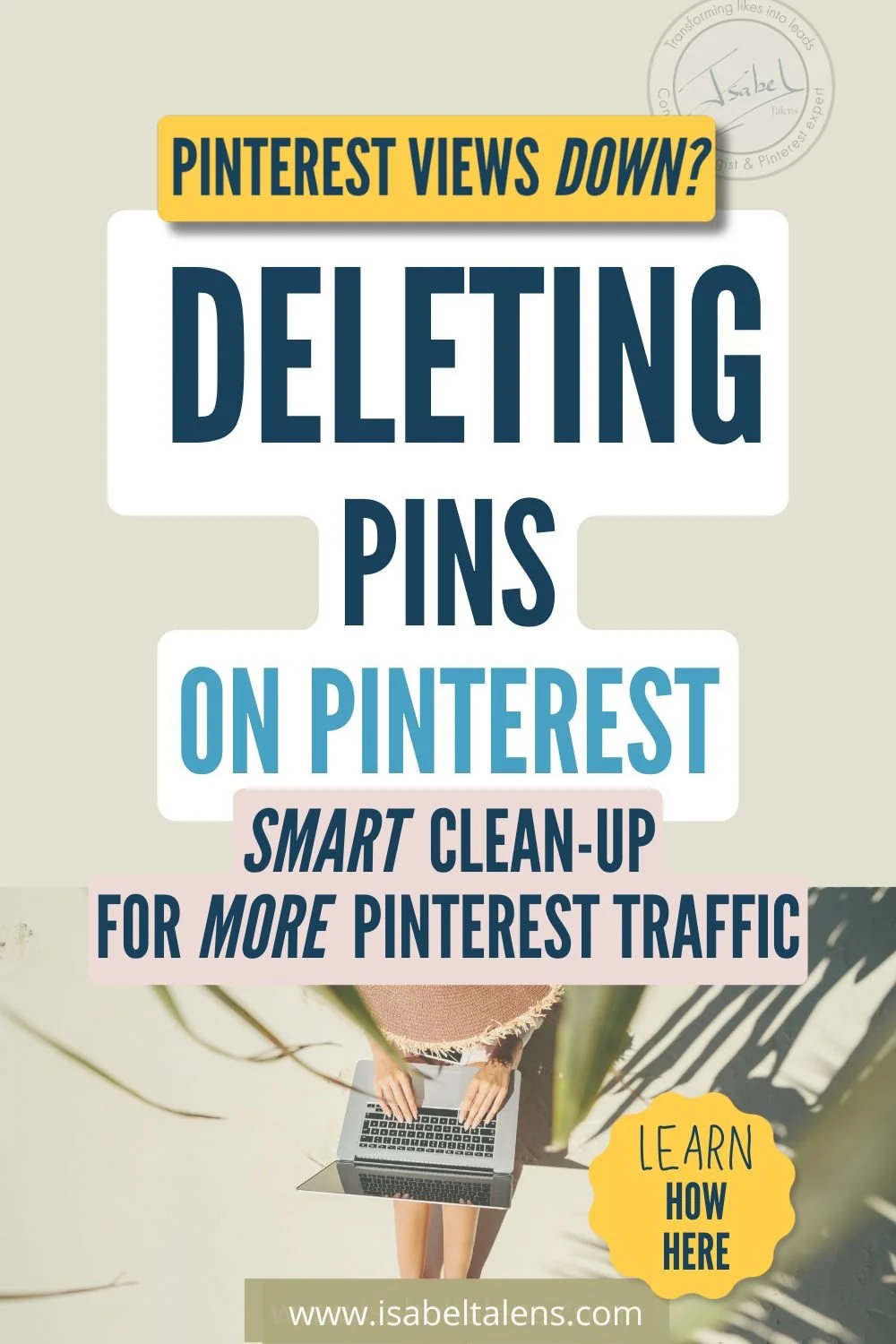
Wondering how do I delete pins from Pinterest to clean up your profile and boost your Pinterest views? Here’s the short answer:
Deleting pins doesn’t automatically increase your reach—and in some cases, it can actually hurt it. But there are strategic times when removing certain pins (or even full boards) can clean up your content, protect your account from Pinterest’s spam filters, and improve your overall performance.
The key? Knowing when to hit delete and when to let your pins work for you.
Now, if you’ve ever found yourself staring at your Pinterest boards, debating whether to purge old or underperforming pins, you’re not alone.
Maybe you feel like your profile is a hot mess of outdated content, or you worry that Pinterest is punishing you for low-performing pins. Or worse—you’re afraid you’ve been posting too much and looking spammy.
And then there’s the classic misstep: deleting the wrong pins and seeing your Pinterest traffic drop overnight. 😬
So, what’s the real strategy here? When should you delete pins, and when should you leave them alone? This guide covers everything you need to know, including:
Why to delete pins from Pinterest (and when NOT to)—because deleting isn’t always the answer
How to delete a pin on Pinterest (without second-guessing yourself)
How to delete pins on Pinterest in bulk—when you’ve got hundreds or thousands to clean up
How to delete Pinterest boards strategically, without hurting your reach
How do I delete pins from Pinterest when I have thousands of pins?—and is it even worth it?
Should I delete pins from Pinterest that are old? Or do old pins actually help your reach?
How do I delete a pin from Pinterest and keep my monthly views? (Spoiler: You can’t—but there’s a workaround.)
What to do instead of deleting a pin
PLUS: The FAQs you didn’t even know you needed, like…
Help! Why won’t Pinterest let me delete a pin?
How to unpin on Pinterest when there’s no delete option
What happens when you delete a pin? Can you really erase it forever?
How do I clean up my Pinterest home feed? (Because Pinterest keeps showing me irrelevant pins!)
Can I make someone else delete my pin from their saved board?
Why does Pinterest say “gone forever” when I delete a pin?
Pinterest removed my pin—am I being punished for something I didn’t even upload?
I’ve been a business strategist for 30 years, and I’ve helped countless entrepreneurs use Pinterest to grow their audience, leads, and sales. If you want a Pinterest strategy that actually works—without spammy tactics—keep reading. Because deleting pins the right way can help you, but deleting pins the wrong way could hurt your growth or just be a complete waste of your precious time. Let’s get into it.Wondering how do I delete pins from Pinterest to clean up your profile and boost your Pinterest views? Here’s the short answer:
Deleting pins doesn’t automatically increase your reach—and in some cases, it can actually hurt it. But there are strategic times when removing certain pins (or even full boards) can clean up your content, protect your account from Pinterest’s spam filters, and improve your overall performance.
The key? Knowing when to hit delete and when to let your pins work for you.
Now, if you’ve ever found yourself staring at your Pinterest boards, debating whether to purge old or underperforming pins, you’re not alone.
Maybe you feel like your profile is a hot mess of outdated content, or you worry that Pinterest is punishing you for low-performing pins. Or worse—you’re afraid you’ve been posting too much and looking spammy.
And then there’s the classic misstep: deleting the wrong pins and seeing your Pinterest traffic drop overnight. 😬
So, what’s the real strategy here? When should you delete pins, and when should you leave them alone? This guide covers everything you need to know, including:
Why to delete pins from Pinterest (and when NOT to)—because deleting isn’t always the answer
How to delete a pin on Pinterest (without second-guessing yourself)
How to delete pins on Pinterest in bulk—when you’ve got hundreds or thousands to clean up
How to delete Pinterest boards strategically, without hurting your reach
How do I delete pins from Pinterest when I have thousands of pins?—and is it even worth it?
Should I delete pins from Pinterest that are old? Or do old pins actually help your reach?
How do I delete a pin from Pinterest and keep my monthly views? (Spoiler: You can’t—but there’s a workaround.)
What to do instead of deleting a pin
PLUS: The FAQs you didn’t even know you needed, like…
Help! Why won’t Pinterest let me delete a pin?
How to unpin on Pinterest when there’s no delete option
What happens when you delete a pin? Can you really erase it forever?
How do I clean up my Pinterest home feed? (Because Pinterest keeps showing me irrelevant pins!)
Can I make someone else delete my pin from their saved board?
Why does Pinterest say “gone forever” when I delete a pin?
Pinterest removed my pin—am I being punished for something I didn’t even upload?
I’ve been a business strategist for 30 years, and I’ve helped countless entrepreneurs use Pinterest to grow their audience, leads, and sales. If you want a Pinterest strategy that actually works—without spammy tactics—keep reading. Because deleting pins the right way can help you, but deleting pins the wrong way could hurt your growth or just be a complete waste of your precious time. Let’s get into it.Wondering how do I delete pins from Pinterest to clean up your profile and boost your Pinterest views? Here’s the short answer:
Deleting pins doesn’t automatically increase your reach—and in some cases, it can actually hurt it. But there are strategic times when removing certain pins (or even full boards) can clean up your content, protect your account from Pinterest’s spam filters, and improve your overall performance.
The key? Knowing when to hit delete and when to let your pins work for you.
Now, if you’ve ever found yourself staring at your Pinterest boards, debating whether to purge old or underperforming pins, you’re not alone.
Maybe you feel like your profile is a hot mess of outdated content, or you worry that Pinterest is punishing you for low-performing pins. Or worse—you’re afraid you’ve been posting too much and looking spammy.
And then there’s the classic misstep: deleting the wrong pins and seeing your Pinterest traffic drop overnight. 😬
So, what’s the real strategy here? When should you delete pins, and when should you leave them alone? This guide covers everything you need to know, including:
Why to delete pins from Pinterest (and when NOT to)—because deleting isn’t always the answer
How to delete a pin on Pinterest (without second-guessing yourself)
How to delete pins on Pinterest in bulk—when you’ve got hundreds or thousands to clean up
How to delete Pinterest boards strategically, without hurting your reach
How do I delete pins from Pinterest when I have thousands of pins?—and is it even worth it?
Should I delete pins from Pinterest that are old? Or do old pins actually help your reach?
How do I delete a pin from Pinterest and keep my monthly views? (Spoiler: You can’t—but there’s a workaround.)
What to do instead of deleting a pin
PLUS: The FAQs you didn’t even know you needed, like…
Help! Why won’t Pinterest let me delete a pin?
How to unpin on Pinterest when there’s no delete option
What happens when you delete a pin? Can you really erase it forever?
How do I clean up my Pinterest home feed? (Because Pinterest keeps showing me irrelevant pins!)
Can I make someone else delete my pin from their saved board?
Why does Pinterest say “gone forever” when I delete a pin?
Pinterest removed my pin—am I being punished for something I didn’t even upload?
I’ve been a business strategist for 30 years, and I’ve helped countless entrepreneurs use Pinterest to grow their audience, leads, and sales. If you want a Pinterest strategy that actually works—without spammy tactics—keep reading. Because deleting pins the right way can help you, but deleting pins the wrong way could hurt your growth or just be a complete waste of your precious time. Let’s get into it.



You’ve got one goal right now: Make your first $1,000 online. Not a six-figure empire. Not a viral Reel. Just your first proof-it’s-possible paycheck from something you built.
And if you’re being honest… you thought you’d be there by now. Because you have been trying.
You’ve downloaded more freebies than you can count—most of them still sitting unopened in your inbox.
You’ve watched the webinars.
You’ve spent hours tweaking your freebie, trying to figure out if you need a niche or a “value ladder” or a funnel that doesn’t look like a bowl of spaghetti.
Meanwhile, the sales? Nada.
Your to-do list is full but your bank account’s not.
And that voice in your head keeps whispering: “What am I doing wrong?”
I see you. Because I was you.
And here’s the truth that changed everything for me: trying to follow 6-figure advice at $0 is like skipping Season 1 of your favorite show and expecting Season 5 to make sense.
You’re watching characters you don’t know, chasing plot twists that don’t land, and wondering why everyone else seems obsessed—while you’re just confused and low-key exhausted.
That advice you’re seeing all over your feed? It’s not bad. It’s just not made for this season of your journey.
Your Season 1 is about clarity, confidence, and cash flow—not scale, teams, or evergreen launches.
And that’s why I’m sharing this: these are the 9 lessons that actually helped me make my first $1K online.
Not the shiny version, not the 6-figure hindsight advice—but what really worked when I was in the trenches figuring it out, one messy step at a time.
Let’s break it down.
Key Takeaways (what you’ll learn):
Do you need a website to make your first $1,000 online? → No, but you do need a simple homepage and a domain so people can find you and grab your freebie.
What’s the fastest way to make $1,000 online? → Start offering high-ticket affiliate products, coaching, or done-for-you services—not low-margin offers like dropshipping or $2 affiliate links.
What type of content leads to actual sales? → Long-form content (blog, podcast, YouTube), even better when it’s searchable + Pinterest for traffic. Way better than social posts that disappear from your audience’s feed in 24 hours.
Do you need a complicated funnel to start selling? → Not at all. Use this simple path: Content → Freebie → Welcome Email → Personal Offer.
Can you sell a course before it’s built? → Yes. Pre-sell the idea, build as you go or deliver live. You’ll get paid before you create the lessons.
How do you grow without burning out? → Ditch perfection. Use just-in-time learning, take messy action, and stop trying to “know everything” before you start.
Tempted to just skim the takeaways and dip? I get it. You’ve read a million “how to make your first $1,000 online” posts. But this one? It’s different. Because it doesn’t just give you strategies—it walks you through the real-life missteps, detours, and unpopular truths that actually got me there.
Like the photo membership I never launched.
The blog that brought sales while I slept.
The $1000 I made before even building my course.
If you’re the kind of person who learns best from honest behind-the-scenes over polished highlight reels—you’re in the right place.